OpenAI Codex: My Experience Building an APP With AI
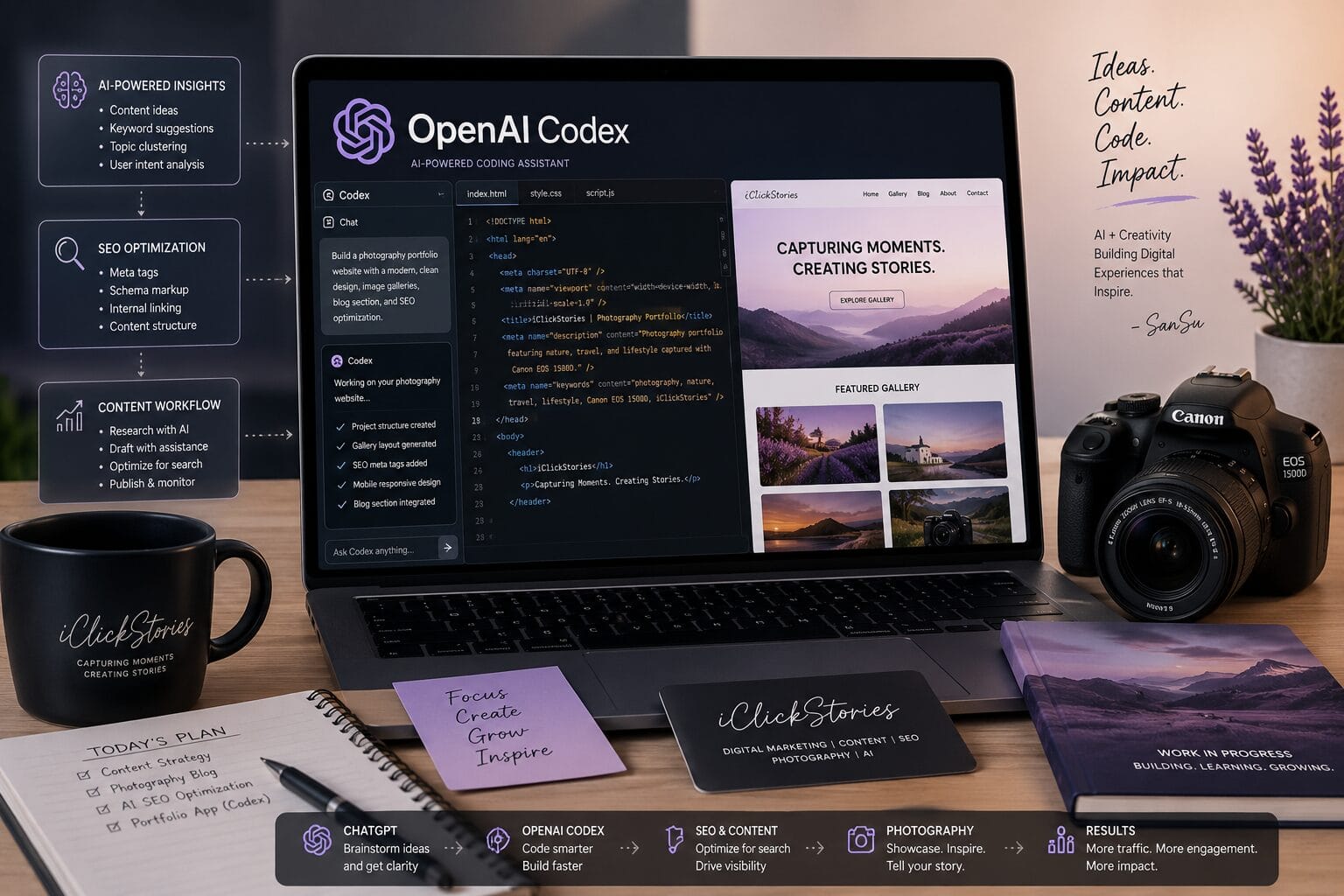
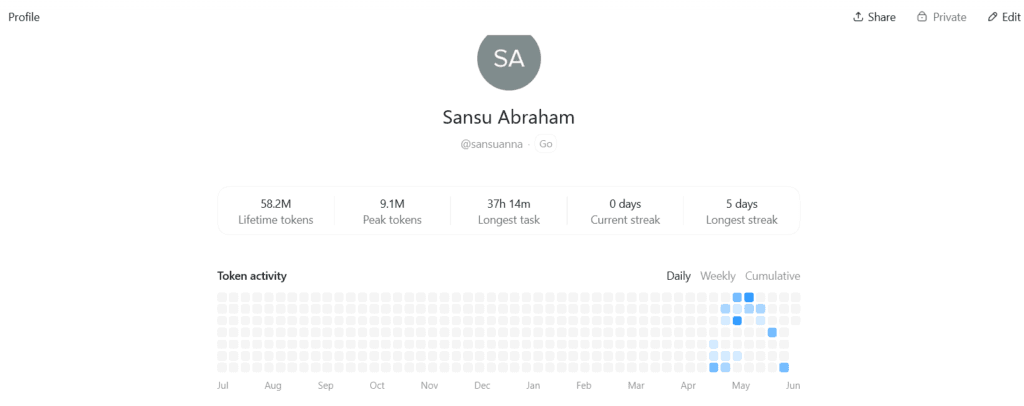
A few months ago, I started building a photography app using OpenAI Codex. Today, the project is about 60% complete, and the experience has completely changed the way I think about software development.
Because I had a great experience using Codex in order to develop a SaaS solution. And I just wanted to share my experience so that it might be helpful for someone else who starts out his/her journey.
This post is far from being a detailed guide into something technical.
In fact, this is just the very first step in the process.
What is OpenAI Codex?
Codex by OpenAI is an AI-based coding assistant that helps users write codes using commands written in natural language. You do not have to manually write the code, but you simply instruct it about what you wish to do, and it writes the code for you.
Is OpenAI Codex Free?
OpenAI Codex provides limited free usage where users get to test out the system without any prior payments. But free plans always have some kind of usage limitations which users might exceed while they are developing something. Users who want unlimited usage should consider paying for OpenAI Codex.
What Can OpenAI Codex Build?
Some of the applications that OpenAI Codex is capable of building include websites, web applications, SaaS software, dashboards, portfolios, and scripts. It is capable of coding for the front end and back end, creating databases, and even integrating features within an application. It can assist in developing a simple application as well as a complex one.
The Project That I’m Working On
Now, let me tell you about the current project that I’m developing.
Right now it is an application for my photography website.
Actually, this project is not finished yet – it’s only 60% ready. Whenever I get a new idea, I add something more.
But the main thing here is that this project is done mainly for my own development and practice. Of course, it will be useful for those who want to start experimenting with AI.
A Few Things to Keep in Mind
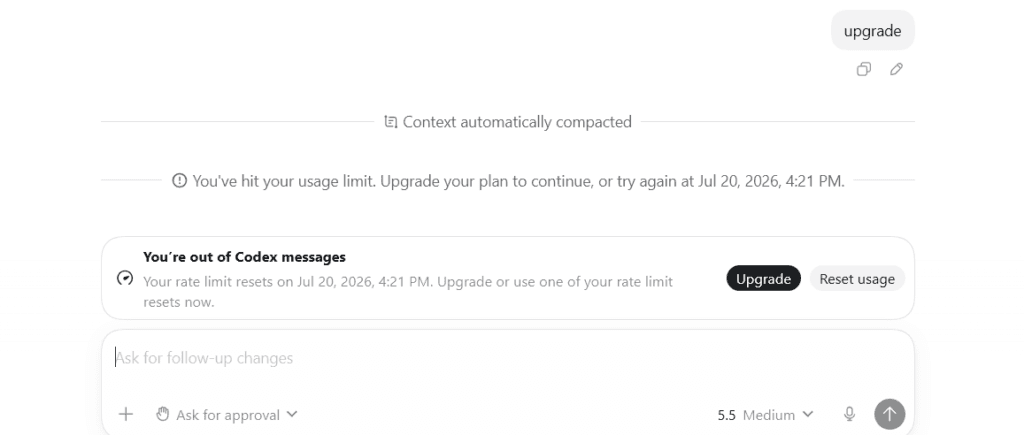
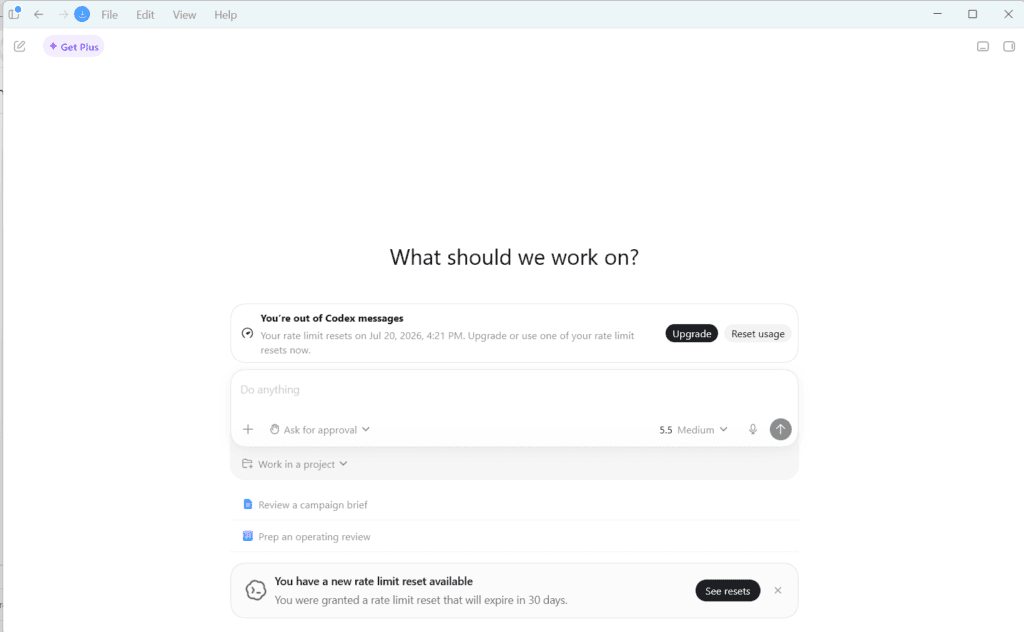
The option of free use of the Codex app implies that the credits available are limited.
Several times already, I was developing some features when the following pop-up notification appears: “3% usage left” or “8% usage left”. It is annoying, of course, when everything goes smoothly and then you have to take a pause.
It is just a part of the game if you decide to use a free version. Then you have to wait until credits will be reset, and you will be able to continue what you were doing before.
There is another aspect that should be highlighted. It is possible to use Codex even without knowing how to code. However, my background in Computer Science and my Master’s degree helped me in some cases.
Thus, there may be some requests to:
- run a command in Windows Command Prompt
- open a Visual Studio terminal
- save a file somewhere
- execute an SQL script in a database management system
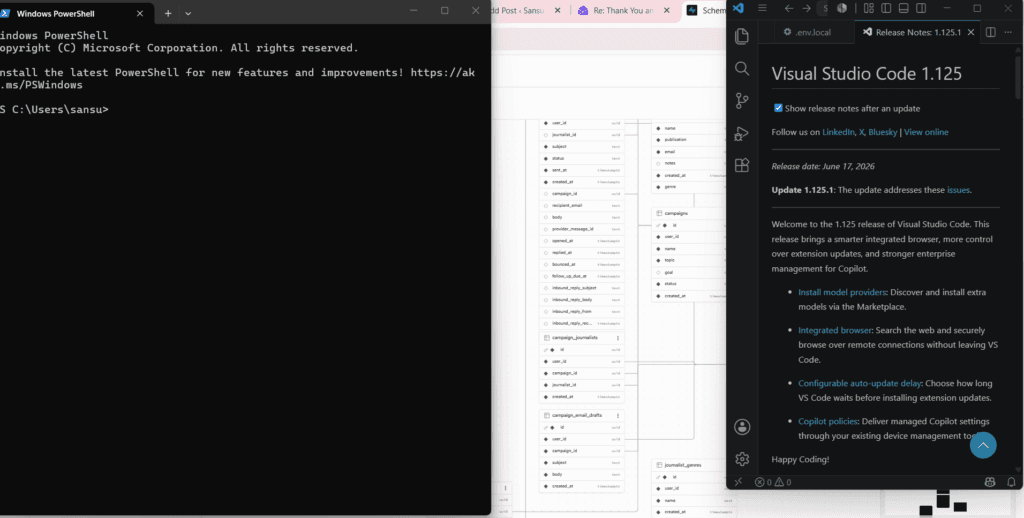
These actions are quite simple but may be unusual for you if you never used development tools. worked with development tools before.
All this notwithstanding, do not be deterred. One good thing about Codex is that it gives an explanation of all things whenever you ask. In case you are not sure of something, just ask, and it will guide you through the whole process.
The first piece of advice that I would like to give is that you should pin your project. With an increasing amount of conversations, prompts, and projects, it becomes much easier to find your project and get back to work.
Transparency All Along the Way
Another aspect of the program that I liked very much is the transparency.
Codex asks permission to take any action and informs you of what it does. I developed a practice of logging all actions, which improved my understanding of the process.
Should you be busy doing other things, Codex will wait for your permission to proceed. You’ll get a notification on your desktop and choose whether to go on.
It was a relief knowing that there would be no changes I wasn’t aware of.
You Need to Be Patient
Creating an app using AI technology is not free from the element of patience.
You will encounter problems and have to debug. You may also encounter mistakes, and some features might not perform as expected.
However, you must remain patient and continue working on the app in the hopes of making it better.
But as soon as you start seeing your efforts bearing fruit, all the hard work becomes worth it.
That is at least my experience thus far.
Why Codex?
Just a couple of months back, anyone suggesting that I might be able to develop an application without coding would be mocked.
Just like everyone else, I had tons of brilliant ideas that I just couldn’t execute because of lack of knowledge about coding. Getting someone to do it for me would involve a lot of money and learning it all by myself would take a lot of time.
But then came Codex.
That it can create the code is not shocking at all because there are a number of other software programs available which can do that job too. But what’s remarkable about Codex is that it understands my vision and helps me build the application.
This is what I’ve learned about developing an application with Codex.
First, Understand What Codex Actually Does
Think of Codex as the programmer sitting right next to you.
You tell him what you want to do, and he helps you write the code, add features, resolve issues, and debug any problems that occur.
No, he does not create a flawless application in just one click.
He does, however, save you a lot of time and effort in building apps, and makes the process significantly less scary.
It is how I like to see it:
I’m the person with the idea. Codex is the person helping me build it.
Getting Started Is Easier Than You Think
The reason I opted for Codex on Visual Studio Code is that it is the easiest way to start.
This involved:
Installing Visual Studio Code.
Installing the Codex extension.
Logging in.
Opening a project folder.
It did not require much more than this to begin.
Codex can also be used from the command line interface and desktop application., but VS Code felt the most beginner-friendly.
The Idea Comes Before the Code
This is probably one of the most valuable lessons that I have learned.
Before making Codex generate any code, you should first define the app that you are creating.
Ask yourself questions like:
What is the function of the app?
Who is the target audience?
What features must the app possess?
For instance, rather than asking Codex to:
Make me an app.
You could be much more specific by saying:
I would like a website where the users can view pictures, zoom in on them, and download them.
Just Tell Codex What You Want
This is the moment that seemed to be surreal.
Rather than manually writing the files and coding, all I had to do was tell Codex what I wanted.
Something along the lines of:
“Create a photography website where the user can browse through the gallery, zoom in on photos that are clicked, download photos, and have a mobile-responsive design.”
In no time at all, Codex began generating files and coding.
Was it flawless? Not quite.
But was it quicker than doing everything from scratch? Most definitely.
Build One Feature at a Time
One mistake many beginners try to do everything all at once.
It turned out that Codex functions well when you delegate small parts.
For instance:
Create a login page.
Enhance design.
Create dark mode.
Optimize for mobile.
Create an About Me page.
Splitting the work into smaller parts helped the entire process much easier to manage.
Testing Still Matters
Even though AI writes the code, testing is still essential.
Some features may not behave as expected. For example, a button might look perfectly fine but do nothing when clicked.
What do I do then?
I simply ask Codex:
“Why isn’t this working?”
or
“Fix this error.”
In most cases, Codex can identify the issue and suggest a solution.
Think of Codex as a junior developer. It can do a lot of the work, but it still needs your guidance, testing, and feedback to get things right.
Publishing the App
Once the application is ready and meets your requirements, the final step is to publish it online.
There are several platforms, such as Netlify, Vercel, and GitHub Pages, that make deployment relatively straightforward. If you’re unsure how to proceed, Codex can guide you through the process and provide the necessary code snippets and instructions.
Don’t be intimidated by the deployment stage. Like everything else, it becomes easier once you’ve done it a few times.
A Project I’d Recommend for Beginners
Since photography is one of my interests, a photography portfolio website felt like the perfect starter project.
Imagine a site with:
- Nature galleries
- Travel photographs
- Lifestyle collections
- An About Me page
- A blog section
Instead of spending weeks figuring out how to build it, I could simply tell Codex what I wanted and let it help with the technical side.
What Nobody Tells You About AI Coding
AI coding tools get a lot of hype.
However, the reality is more in between.
Codex is very helpful, but it is not a substitute for your brain.
You still have to:
Specify your intentions.
Check what it has created.
Test everything.
Make a decision regarding the end product.
The quality of the end result will be determined largely by the quality of your directions.
My Biggest Takeaway
What makes the use of Codex so fascinating is not its ability to generate codes.
Rather, it brings down the entry level of producing something.
No longer will years of programming expertise be required to try out an idea.
From a portfolio website to an application or a blogging site to anything else, Codex can take you to where you want to be quicker than ever before.
If you have been waiting to learn to code before you implement your ideas, now might be the right time for you to give Codex a try.
You will be amazed at what you can produce with an idea, some guidance, and a bit of AI support.
My Biggest Recommendation
Don’t limit yourself to talking about OpenAI Codex. Tell us about your experience with it.
The features can be listed by anyone. The value of your story is defined by what you have learned, experienced, failed at, and accomplished in the process of developing your own project.
It’s not just another coding tool for me. It is something that has enabled me to create an application.
Related Reading: