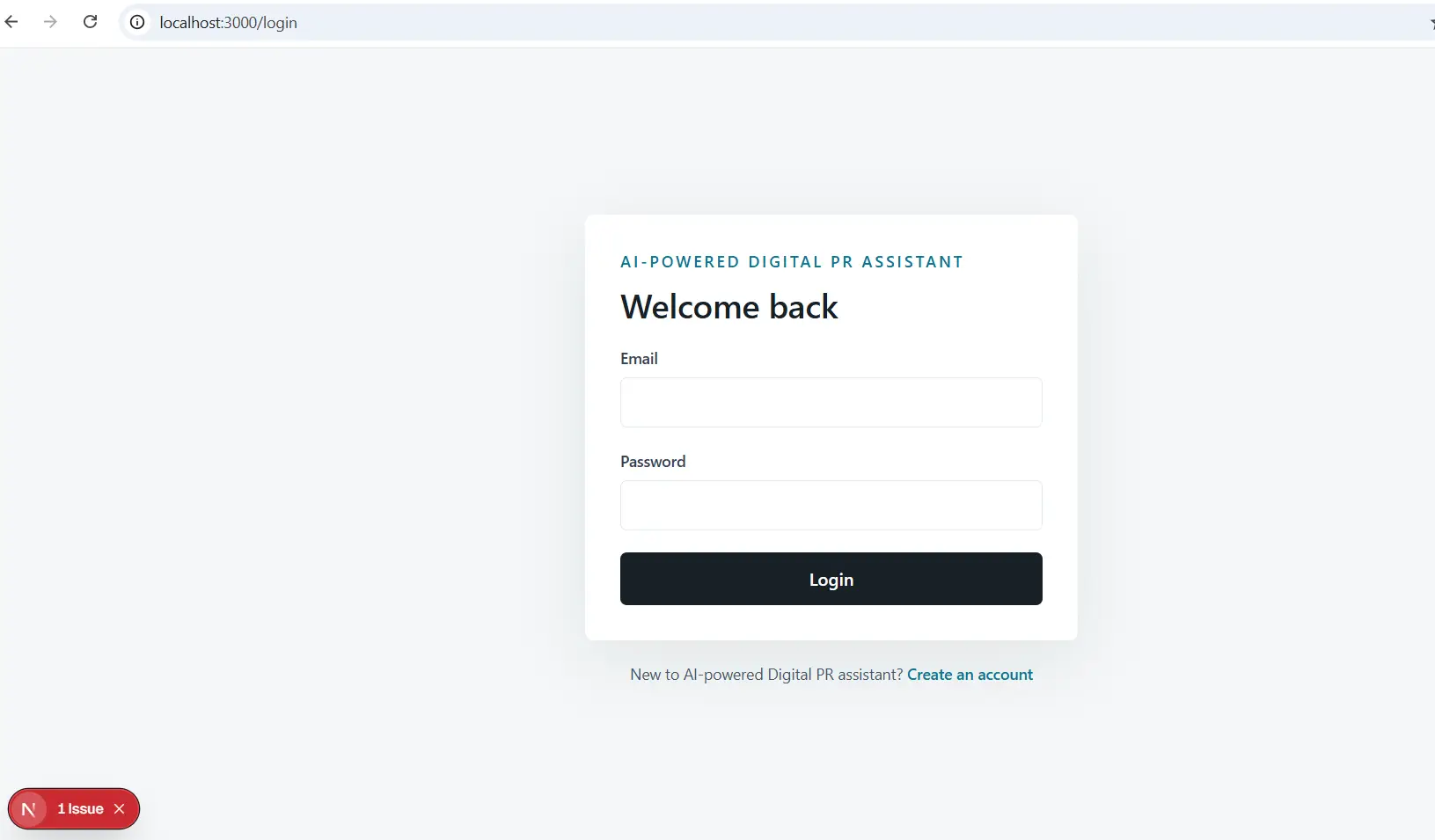
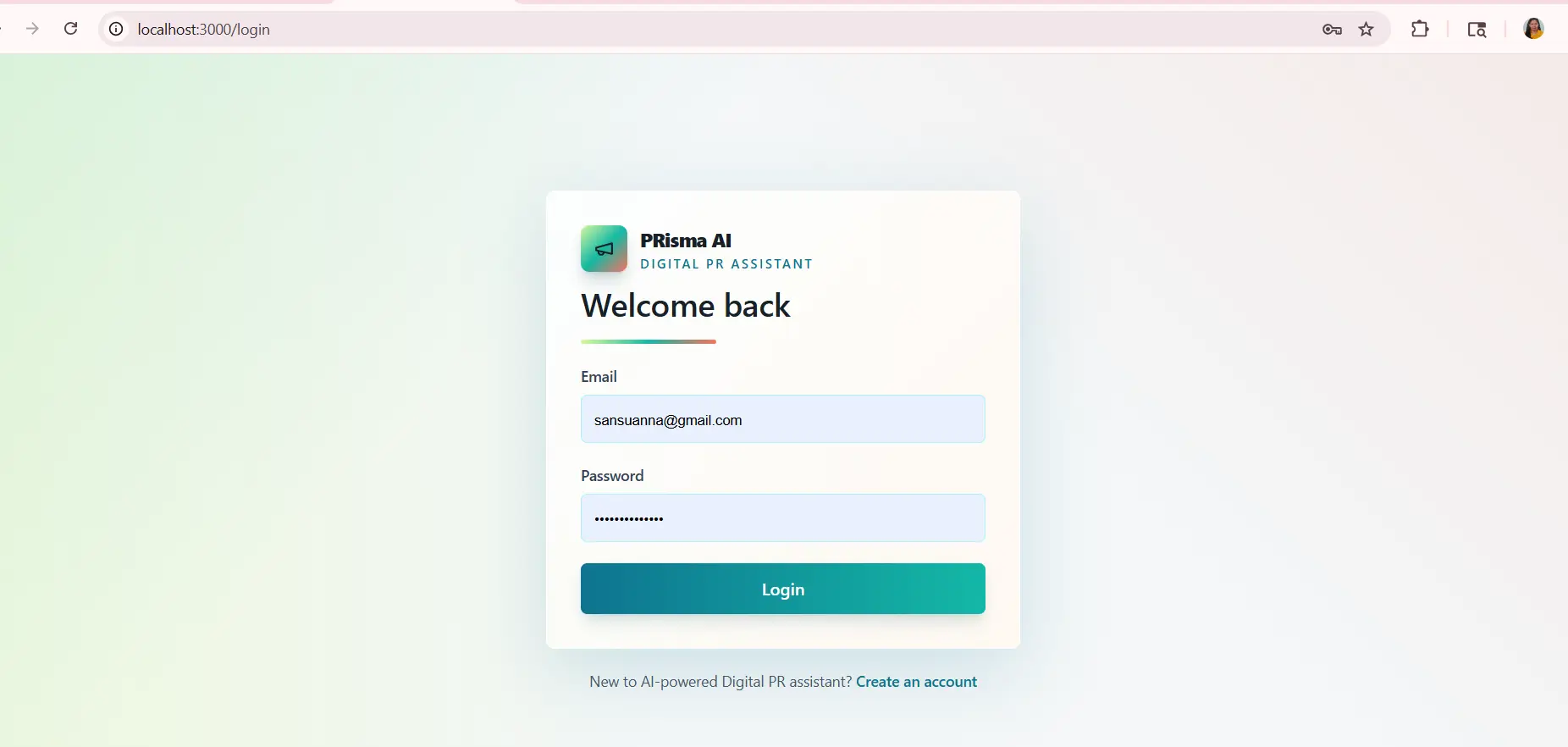
Blog Series: From a Simple MVP to a Real Campaign Console: The Next Step in Building AI Digital PR Assistant
When I first started building AI Digital PR Assistant, the goal was not to create a perfect product on day one. The goal was to create something useful enough to test, understand, and improve.
That first version gave me the foundation. It helped me see what the product could become. But once the basic MVP started working, one thing became very clear: a Digital PR product cannot stop at just storing contacts or generating a press release. It needs to help manage the actual campaign journey.
That is where the next upgrade came in.
The product had to move from being a simple MVP into a campaign console.
Why the Campaign Workflow Needed an Upgrade
In the beginning, the campaign setup was basic. That was fine for a first version. A basic version helps you prove the idea without getting lost in too many features.
But once campaigns became part of the app, I started noticing the real workflow.
A campaign is not a one-time form.
It changes.
Sometimes the campaign topic needs to be adjusted. Sometimes the email draft needs editing. Sometimes a journalist has to be added later. Sometimes a campaign moves from draft stage to active stage. Sometimes it is completed and should be marked that way.
That taught me something important: campaigns are living records.
If a SaaS product is going to support Digital PR work, it should allow the campaign to grow and change as the work progresses.
The Need for Editing
One of the biggest upgrades was adding the ability to edit campaigns.
This sounds simple, but it changes the usefulness of the product.
Before editing, creating a campaign felt final. If something changed, the workflow became awkward. In real PR work, that is not practical.
With editing, the campaign becomes flexible.
Now the user can change the campaign name, topic, goal, status, selected journalists, subject line, and email body.
This makes the product feel much closer to a real working tool.
It also made me realize that MVP upgrades do not always need to be flashy. Sometimes the most valuable upgrades are the ones that remove friction.
Why Campaign Status Matters
Another important upgrade was campaign status.
At first, it may seem unnecessary. But once multiple campaigns exist, status becomes important.
A campaign can be:
- Draft
- Ready
- Active
- Completed
These simple labels help organize work.
They also make the app easier to understand at a glance. Instead of wondering which campaign is still being prepared and which one has already been sent, the status tells the story.
For a SaaS product, this matters because users do not only need features. They need clarity.
The Bigger Lesson
This upgrade taught me that an MVP should not remain frozen.
The first version is only the beginning. Once it exists, the real learning starts.
You begin to notice what feels incomplete. You understand where the workflow breaks. You see which small changes would make the product easier to use.
That is exactly what happened here.
The product started as a basic AI-powered Digital PR MVP. Then it began growing into a more useful campaign management system.
Final Thoughts
The campaign console upgrade made AI Digital PR Assistant feel more practical.
It was no longer only a place to create and store things. It became a place to manage an actual outreach process.
That is an important step in any SaaS journey.
The goal is not to add features just for the sake of adding features. The goal is to make the product fit the real way people work.
And in Digital PR, campaigns are never static. They move, change, improve, and eventually close.
The app needed to support that.