Share this article:
You don’t always need an expensive SEO campaign to improve your website’s search visibility. Sometimes, a few well-planned changes can make a meaningful difference.
You don’t always need an expensive SEO campaign to improve your website’s search visibility. Sometimes, a few well-planned changes can make a meaningful difference.
You have a website. You publish content. You may even be getting some traffic. But are the right people finding you through search engines?
For many small businesses, SEO feels like a complicated exercise involving keyword research, technical fixes, content optimization, and endless analytics reports.
It doesn’t have to start that way.
There are several practical SEO improvements you can implement yourself without rebuilding your website or investing in expensive tools.
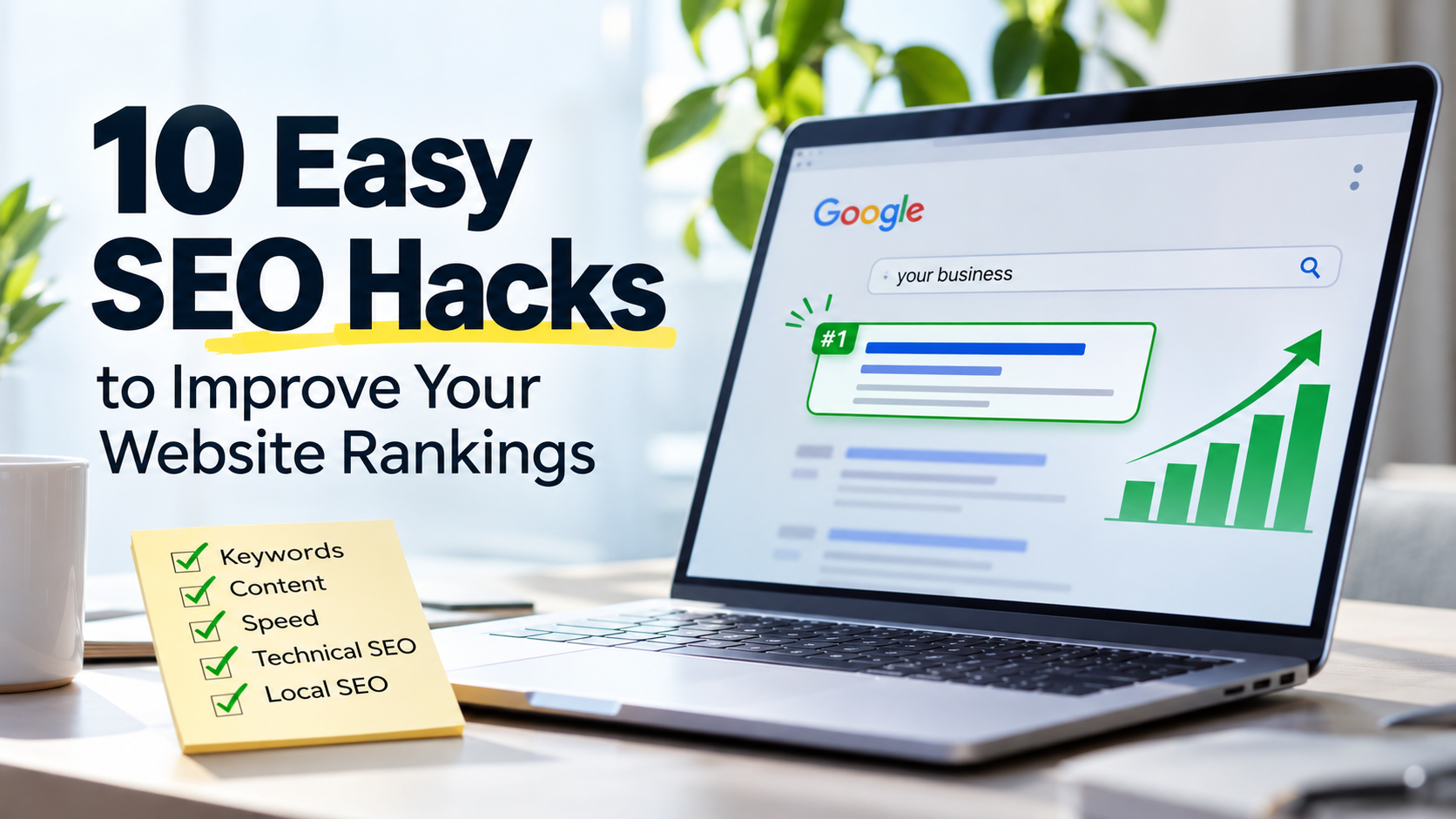
Here are 10 easy SEO hacks worth trying, along with real-world examples and tools to help you get started.
Writing
10 Easy SEO Hacks Covered in This Guide
- Find the Right Keywords: Discover what your potential customers actually search for.
- Optimize Page Titles: Write compelling SEO titles and meta descriptions that encourage clicks.
- Build Internal Links: Connect relevant pages to improve navigation and content discovery.
- Optimize Images: Compress images, use descriptive filenames, and add meaningful alt text.
- Understand Search Intent: Create content that matches what people expect to find.
- Improve Website Speed: Fix performance issues that affect user experience.
- Refresh Old Content: Update existing articles instead of constantly publishing new ones.
- Fix Technical SEO Issues: Check indexing, sitemaps, canonical tags, and broken links.
- Strengthen Local SEO: Optimize your Google Business Profile for local visibility.
- Track SEO Performance: Monitor organic traffic, clicks, impressions, and conversions.
Each hack includes practical examples and one free and one paid tool to help you implement it.
1. Stop Guessing Keywords. Find What Your Customers Actually Search For.
One of the easiest ways to improve your SEO is to understand the search terms your potential customers are already using.
You might describe your service as Strategic Digital Growth, but your customers could be searching for digital marketing services for small businesses.
There is a difference between how businesses describe their services and how customers search for them.
Try this:
- Identify the primary service or product you want to promote.
- Research the phrases customers use when searching for it.
- Look for relevant keywords with realistic ranking opportunities.
- Identify search terms that match your business objectives.
Example: Suppose you offer website design services. Instead of targeting only “website design,” consider more specific searches such as “affordable website design for startups.”
The more closely your keywords match your audience’s needs, the better your chances of attracting relevant visitors.
Tools to use:
- Free: Google Keyword Planner
- Paid: Semrush
2. Rewrite Your Page Titles to Earn More Clicks
Your page title is one of the first things people notice in search results. A technically optimized page can still struggle to attract visitors if its title is vague, generic, or uninteresting.
Compare these examples:
- Generic: Digital Marketing Services
- Improved: Digital Marketing Services for Small Businesses | Expert SEO & Strategy
The second title communicates the service and target audience more clearly.
Try this:
- Include your primary keyword naturally.
- Make the benefit clear.
- Keep titles descriptive and relevant.
- Avoid unnecessary keyword repetition.
Check Google Search Console for pages with high impressions but low click-through rates. These are good candidates for title and meta description improvements.
Tools to use:
- Free: Google Search Console
- Paid: Ahrefs
3. Make Your Existing Content Work Harder with Internal Links
You don’t always need to publish more content to improve your website’s SEO. Sometimes, the content you already have can work harder.
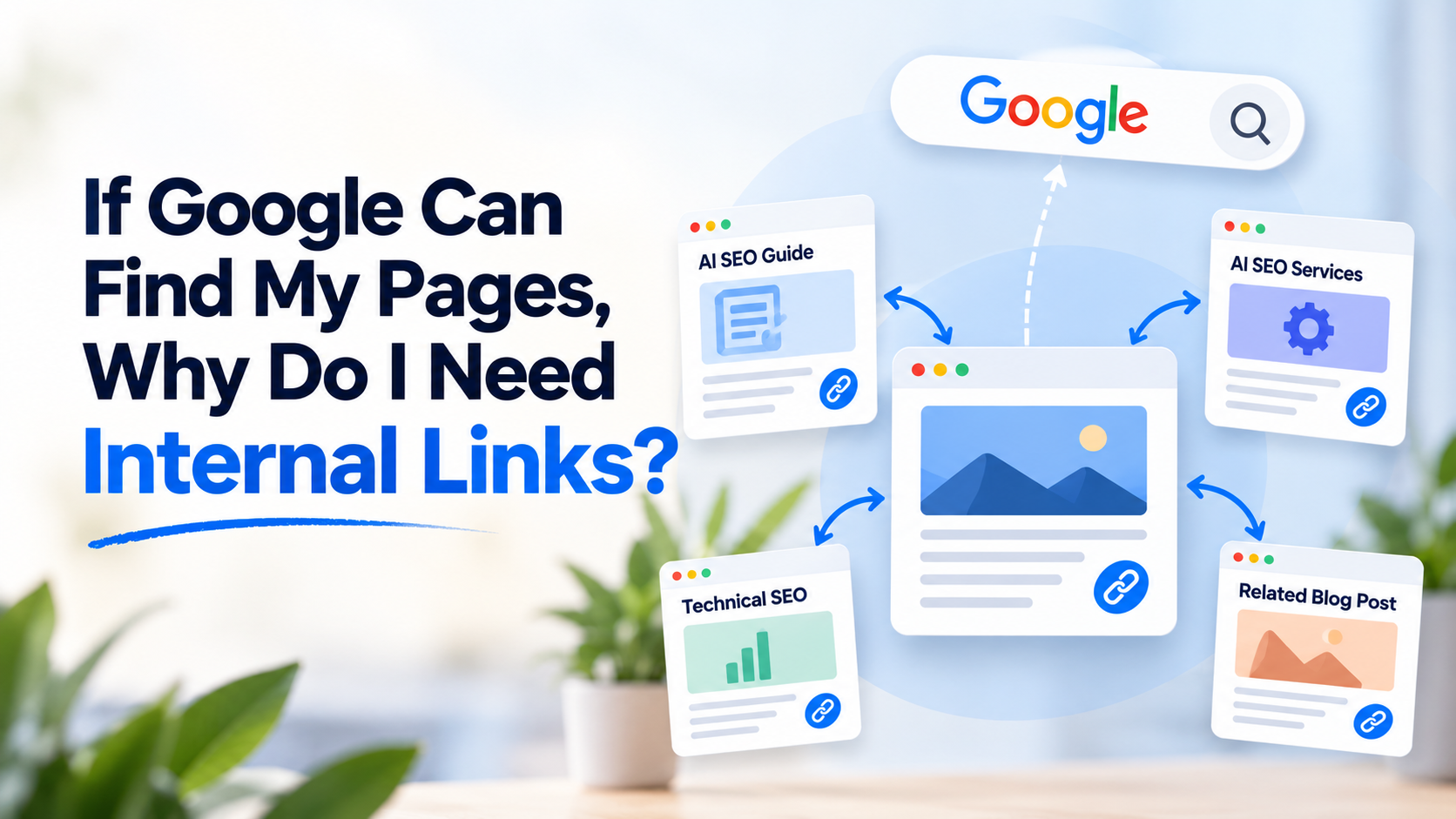
Internal links connect related pages on your website. They help visitors discover additional information and help search engines understand the relationship between your pages.
Example: Imagine you have three blog posts:
- SEO Fundamentals for Beginners
- Technical SEO Checklist
- Website Speed Optimization
Your technical SEO article could naturally link to your website speed optimization guide. Likewise, your SEO fundamentals article could direct readers to your technical SEO checklist.
Try this: Review your five most important blog posts. Identify opportunities to link them to relevant service pages, related articles, and useful resources.
Use descriptive anchor text instead of generic phrases such as “click here.” For example, use “website speed optimization techniques” rather than “read more.”
Tools to use:
- Free: Screaming Frog SEO Spider (free version)
- Paid: Link Whisper
4. Optimize Your Images Before Uploading Them
Large, unoptimized images can affect website loading speed and user experience. Image optimization is one of those small SEO tasks businesses frequently overlook.
Consider this example:
You upload an image with the filename: IMG_20261109_123456.jpg
It tells search engines very little about the image.
A descriptive filename such as: small-business-digital-marketing-strategy.jpg provides more useful context.
Try these simple improvements:
- Rename image files before uploading.
- Compress images without noticeably reducing quality.
- Use WebP or AVIF where supported.
- Add meaningful alt text to informative images.
- Resize images to match their actual display dimensions.
For example, an image showing a marketing analytics dashboard could have alt text such as “Digital marketing analytics dashboard showing website traffic and conversions.”
Remember, alt text should describe the actual image, not serve as a place to stuff keywords.
Tools to use:
- Free: Squoosh
- Paid: ShortPixel
5. Match Your Content to Search Intent
A common SEO mistake is creating pages without considering what the visitor actually wants. Someone searching for “what is technical SEO?” is looking for information. Someone searching for “technical SEO services” is potentially looking for a service provider.
These are two different search intents.
Example: If you offer SEO services, create separate pages for:
- Informational content: What Is Technical SEO?
- Commercial content: Technical SEO Services for Growing Businesses
The educational article helps readers understand the subject. The service page explains how you can solve their problems.
Both have a purpose within your content strategy. Before creating a page, search your target keyword on Google and examine the types of results appearing. This gives you a better understanding of what searchers expect.
Tools to use:
- Free: Google Search
- Paid: Semrush
6. Improve Your Website’s Loading Speed
Visitors rarely enjoy waiting for a website to load. Search engines also consider page experience when evaluating websites. You don’t necessarily need expensive development work to identify performance issues.
Start by checking your website using Google PageSpeed Insights.
Pay attention to these Core Web Vitals:
- Largest Contentful Paint (LCP)
- Interaction to Next Paint (INP)
- Cumulative Layout Shift (CLS)
Example:
If your homepage takes too long to display its main banner, investigate whether the hero image is oversized, unnecessary scripts are loading, or render-blocking resources are delaying the page. Depending on your website setup, caching, image compression, optimized CSS, and reduced JavaScript can help.
Don’t chase a perfect PageSpeed score at the expense of functionality. Focus on improving the actual visitor experience.
Tools to use:
- Free: Google PageSpeed Insights
- Paid: WP Rocket
7. Update Old Blog Posts Instead of Constantly Publishing New Ones
Publishing new content is useful, but what about the articles already sitting on your website?
Some older posts may contain outdated statistics, broken links, obsolete recommendations, or information that no longer reflects current industry practices. Refreshing these articles can improve their usefulness and relevance.
Example: Suppose you published an article titled “SEO Trends to Watch in 2024.” Review whether the information is still relevant and whether the article deserves a substantial update.
You could:
- Replace outdated information.
- Add relevant examples.
- Update internal links.
- Include missing subtopics.
- Improve the introduction and page title.
- Check whether the article still satisfies the original search intent.
Do not change the publication date simply to make old content appear fresh. Make meaningful improvements first.
Tools to use:
- Free: Google Search Console
- Paid: Ahrefs
8. Check Your Website for Technical SEO Issues
Technical SEO doesn’t have to be intimidating. A few basic checks can help ensure that search engines can discover and understand your important pages.
Start with these:
- Check whether your XML sitemap is accessible.
- Review your robots.txt file.
- Ensure important pages are indexable.
- Check canonical tags.
- Implement relevant structured data.
- Look for broken internal links and redirect errors.
Example: You publish a new service page, but it doesn’t appear in Google.
First, inspect the URL using Google Search Console’s URL Inspection tool. Check whether the page is indexed, whether crawling is allowed, and whether Google has selected the expected canonical URL. A page being published does not automatically mean it will be indexed.
Tools to use:
- Free: Google Search Console
- Paid: Screaming Frog SEO Spider
9. Optimize Your Google Business Profile for Local Visibility
If your business serves customers in a particular location, local SEO deserves attention. A well-maintained Google Business Profile can help potential customers discover your business through local search and Google Maps.
Try this:
- Complete your business information.
- Select the most relevant primary category.
- Add accurate services.
- Upload genuine business photographs.
- Keep contact details consistent.
- Encourage genuine customer reviews.
- Respond to reviews professionally.
Example: A digital marketing agency serving businesses in Los Angeles should make its location and service offerings clear across its website and Google Business Profile. A dedicated page targeting relevant local services can also support local search visibility.
Avoid creating multiple location pages with nearly identical content just to target different cities.
Tools to use:
- Free: Google Business Profile
- Paid: BrightLocal
10. Track What Works. Don’t Measure SEO Success by Rankings Alone.
SEO is not about collecting keyword rankings. You need to understand whether your website is attracting the right visitors and generating business opportunities.
Google Search Console and Google Analytics 4 are useful starting points.
Monitor:
- Organic clicks and impressions.
- Click-through rates.
- Search queries.
- Landing page performance.
- Organic engagement.
- Enquiries and conversions.
Example: Imagine your website receives 500 organic visits in a month. That number alone doesn’t tell you whether your SEO is working.
If 50 visitors land on your service page and five enquire about your services, that traffic may be more valuable than thousands of visits to an unrelated informational article.
Measure SEO against business objectives, not vanity metrics.
Tools to use:
- Free: Google Analytics 4
- Paid: Semrush
When Should You Consider Professional SEO Services?
These hacks are a good starting point, particularly if you are managing a small business website. However, SEO becomes more demanding as your website grows.
You may need professional support when:
- Your website attracts impressions but struggles to generate organic traffic.
- Your important service pages aren’t ranking.
- Technical SEO issues are affecting crawling or indexing.
- You need a structured keyword and content strategy.
- Your competitors are consistently outperforming you in search results.
- You want to turn organic traffic into qualified enquiries.
SEO is not a one-time activity. It requires research, implementation, monitoring, and continuous improvement.
Final Thoughts: Small SEO Improvements Can Make a Difference
You don’t need to implement every SEO recommendation overnight.
Start with your website’s most important pages. Review the search queries bringing visitors to your website. Improve your page titles, fix obvious technical issues, strengthen internal links, and make your content genuinely useful.
Most importantly, connect your SEO efforts to your business goals.
A website should do more than exist online. It should help potential customers discover your business, understand your expertise, and take the next step.
Need help making your website more visible in search?
At Simply Sansu, I help businesses strengthen their online presence through SEO, technical optimization, content strategy, and Digital PR.
Let’s identify what’s holding your website back and build a practical strategy to improve its visibility and authority.
Explore SEO and Digital Marketing Services at Simply Sansu.