I Received a WordPress Website Security Alert From Elementor: Here’s What I Did
I often feel bogged down by the regular plugin updates that keep appearing in my WordPress dashboard. Sometimes there are five or six updates waiting, and new ones seem to arrive frequently. It’s tempting to think, I’ll do them later.
But an Elementor security alert I received today reminded me why those notifications shouldn’t be ignored.
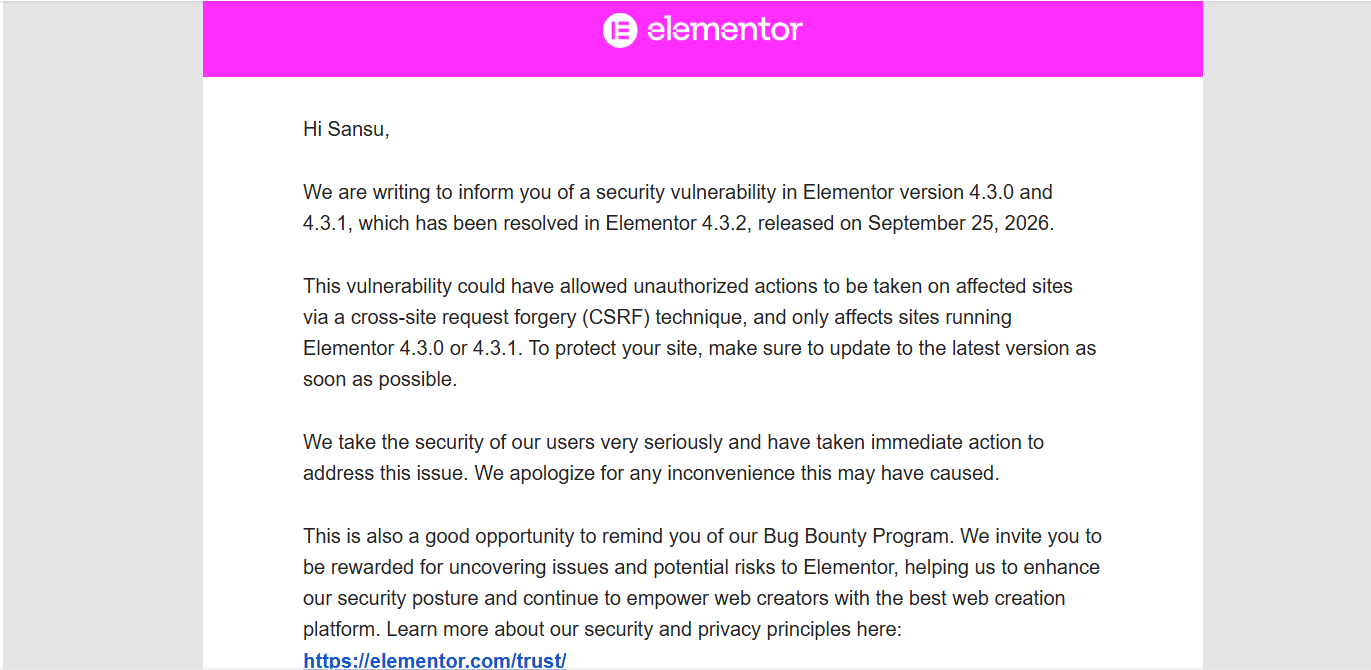
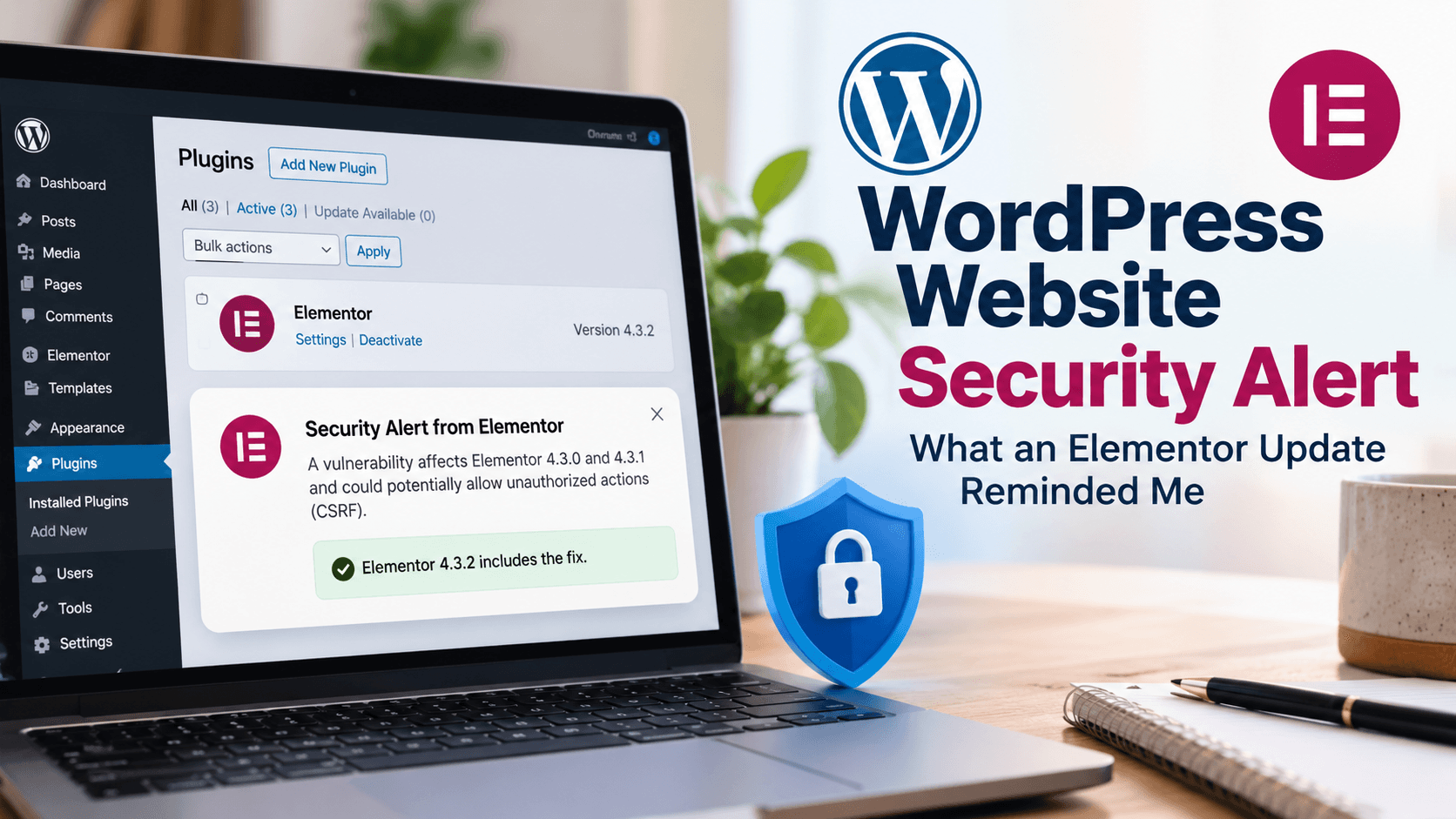
Elementor notified users about a vulnerability affecting versions 4.3.0 and 4.3.1. The issue involved Cross-Site Request Forgery (CSRF) and could potentially allow unauthorized actions on affected websites.
The fix is available in Elementor 4.3.2, released on September 25, 2026.
Since I use Elementor on my website, I immediately checked my version.
Fortunately, I was already running 4.3.2.
What Is CSRF?
CSRF is a type of web attack where an attacker attempts to make a user’s browser perform an unwanted action on a website where the user is already logged in.
You don’t need to understand all the technical details to take the important step: check whether your website is running an affected version and update if necessary.
Are WordPress Security Alerts Common?
Yes, security alerts aren’t unusual when you manage a WordPress website.
A typical WordPress site has multiple plugins, a theme, WordPress core, and often third-party integrations. Vulnerabilities can occasionally be discovered in any of these components.
WordPress is also widely used, making it a frequent target for automated scans looking for outdated software and known vulnerabilities.
But receiving a security alert doesn’t mean your website has been hacked.
Often, a vulnerability is discovered, a fix is released, and users are asked to update before the issue becomes a problem.
That’s exactly why keeping your software updated matters.
How to Check Your Elementor Version
Go to:
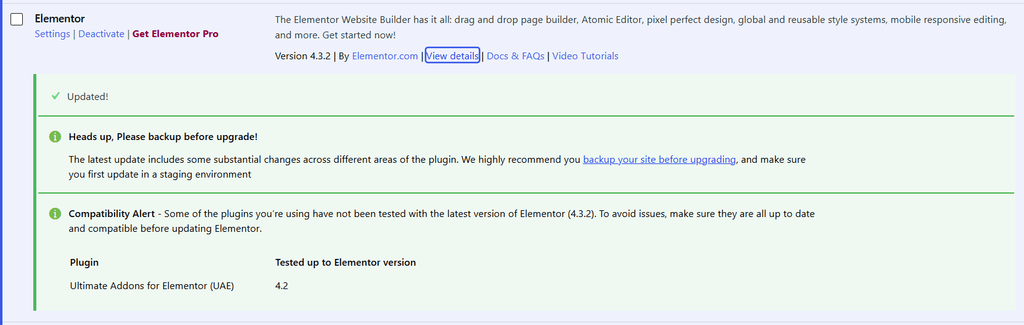
WordPress Dashboard → Plugins → Installed Plugins → Elementor
Check the version displayed under the plugin name.
If you’re running 4.3.0 or 4.3.1, update to 4.3.2 or a newer available version.
If you’re already on 4.3.2 or later, you’re not running one of the versions identified in this particular alert.
What Should You Do After Updating?
A few simple steps are worth taking:
- Back up your website before major updates.
- Update Elementor and Elementor Pro if applicable.
- Clear your website cache.
- Check your homepage and important pages.
- Test your forms and other key functions.
- Check the site on mobile as well.
Our Responsibility as Website Owners
Whether it’s our own WordPress website or a website we manage for a client, keeping it updated is part of the responsibility that comes with maintaining a website.
We don’t need to monitor security issues every day or understand every vulnerability in technical detail. But we should pay attention to update notifications, apply important security patches, maintain backups, and check that the website continues to work after updates.
When we’re managing a WordPress website for a client, that responsibility becomes even more important. A client’s website is not just a collection of pages and plugins. It may be their business, their source of leads, their online store, or their primary digital presence.
Keeping a website updated is therefore not just maintenance. It’s part of taking care of the website we have been trusted with.
My Takeaway
This incident changed how I look at those endless plugin update notifications.
Yes, five or six updates appearing in the dashboard can feel like another chore.
But some updates aren’t about new features. They’re about fixing security vulnerabilities.
So the next time I see that update notification, I’ll be less inclined to click I’ll do it later.
A few minutes spent updating your website can be far easier than dealing with a security problem later.