Blog Series: From PR Chaos to SaaS Idea: Planning an AI Digital PR Assistant
Building a SaaS product can feel intimidating at the beginning.
In building a Digital PR Assistant, there are product decisions, technical decisions, design decisions, database decisions, authentication decisions, deployment decisions, and, if the product uses AI, prompt and API decisions too.
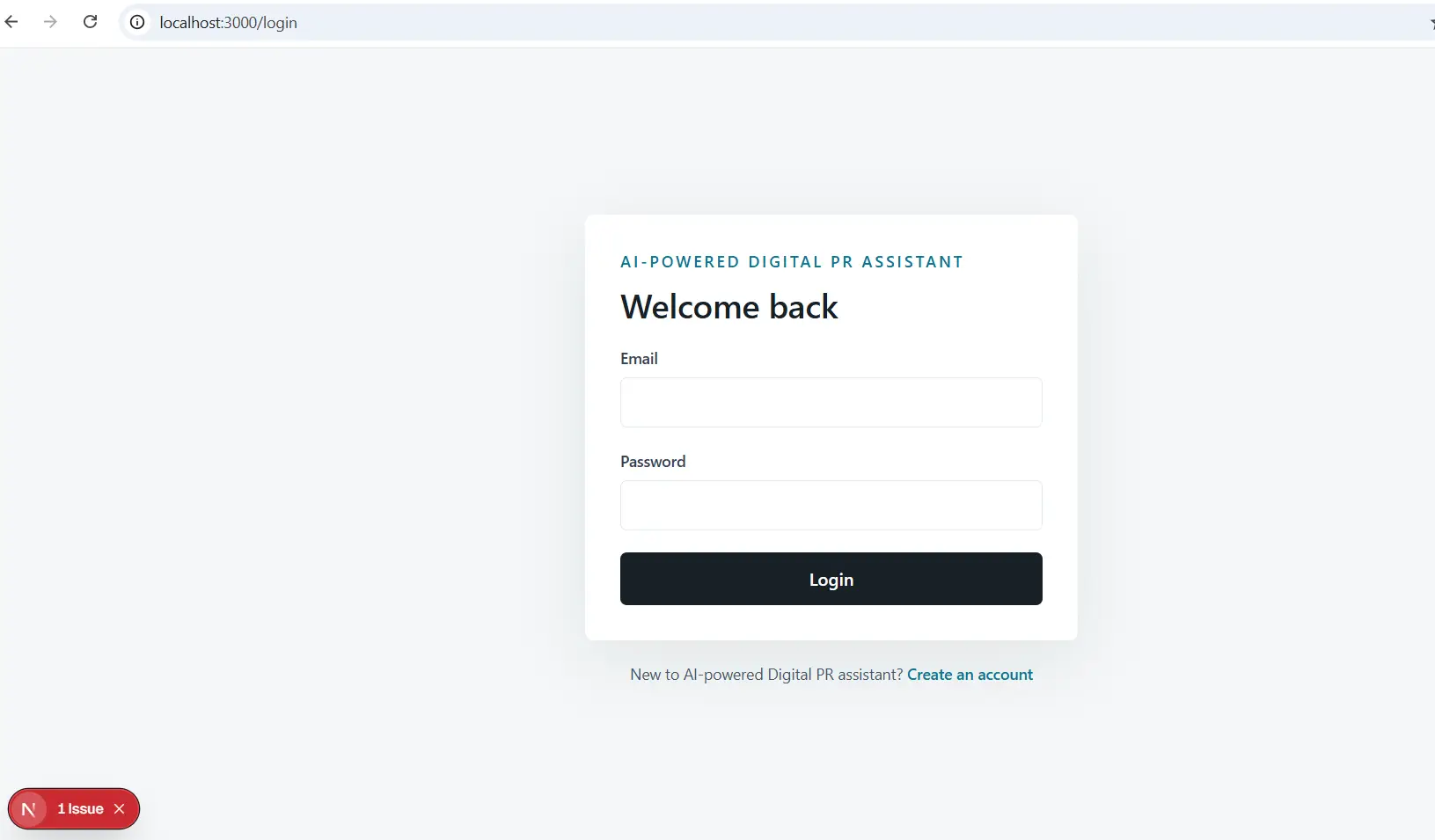
Goal of this project: create a practical MVP called AI Digital PR Assisstant.
Aim: The Digital PR Assistant needed to help users manage journalist contacts, generate press release drafts, and track outreach activity from a clean SaaS dashboard.
Why Digital PR Assistant Idea Made Sense
Digital PR work often happens across too many tools.
A founder might keep journalist contacts in a spreadsheet, write campaign notes in a document, draft press releases in an AI chat window, and track sent emails manually in their inbox.
A freelancer or small agency may do the same thing across multiple clients.
That creates a few obvious problems:
- Contact data becomes scattered.
- Press release drafting takes too long.
- Outreach status is hard to track.
- Follow-ups are easy to miss.
- There is no single place to see PR activity.
The idea behind AI Digital PR Assisstant was to bring the core workflow into one simple SaaS product.
The product would not try to replace an entire PR agency. It would not try to become a huge media intelligence platform. It would simply help a user move from PR idea to organized outreach.
The product workflow was designed around a simple sequence that is easy to understand and easy to demo.
It also maps directly to the common pain points in Digital PR. Most small teams do not need a complicated tool on day one. They need a practical workspace that helps them organize contacts, create content, and remember what has been sent.
Defining the MVP Scope
The first important decision was scope.
It is very easy to overbuild a SaaS product too early. A digital PR platform could include email sending, campaign analytics, and AI-powered personalization. But Version 1 needed to be small enough to build quickly and complete enough to demonstrate value.
This gave the product a strong foundation without turning the first version into a never-ending project.
This is one of the biggest lessons in MVP development. A first version should not try to carry every future business idea. It should prove that the core product is useful.
Target Users
The app was designed for people who need PR workflows but may not have large PR systems in place.
The primary users are:
- Startup founders
- Solo marketers
- Digital PR freelancers
- Small agency teams
The secondary users are:
- Content marketers
- Publicists
- Communications consultants
Planning the Digital PR Assistant Structure
The project structure was planned around maintainability.
The main folders include:
- app/ for pages, layouts, and API routes
- components/ for reusable UI components
- lib/ for shared types and compatibility exports
This structure keeps the app understandable.
The product features live in predictable places. The dashboard routes are grouped under app/(dashboard). Authentication pages live under app/(auth). API routes live under app/api.
The Planning Lesson
The biggest planning lesson was this: an MVP needs a strong spine. If a feature did not support the core workflow, it could wait.