Blog Series: The Real Build Story of Digital PR Assistant: Errors, and Fixes
In Part 1, I covered the idea and planning behind AI Digital PR Assistant++ Version 1.
In Part 2, I walked through the actual MVP build: authentication, dashboard, and outreach tracking.
This final post is about the part of building that often gets left out: the challenges, errors, fixes, documentation, and next steps.
No real SaaS build goes perfectly from start to finish. This one did not either.
The Package Installation Challenge
During the build process, the project environment had Node available, but npm was not available in the terminal PATH. That became a problem when it was time to install the required DB libraries.
But the terminal returned an error saying that npm was not recognized as a command.
That meant Node.js was available in the environment, but the npm package manager was not available on the system PATH.
I also checked for other package managers:
- pnpm
- yarn
- corepack
None of them was available either.
How the Package Issue Was Handled
The immediate fix was to prepare the codebase for the correct packages by updating the project files and documenting the exact install command for a proper development environment.
On a normal machine, the final fix is straightforward:
- Install Node.js from the official Node.js installer.
- Reopen the terminal.
- Confirm npm is available:
npm –version
- Run:
npm install
This was a useful reminder that SaaS development is not only about writing code. Local environment setup matters too.
The Environment Variable Naming Issue
The next challenge was environment variable naming.
DB examples sometimes refer to an anon key, while the newer setup used:
PUBLISHABLE_KEY
If the app used one name in the code and another name in .env.local, authentication and database requests would fail.
The fix was to make the naming consistent.
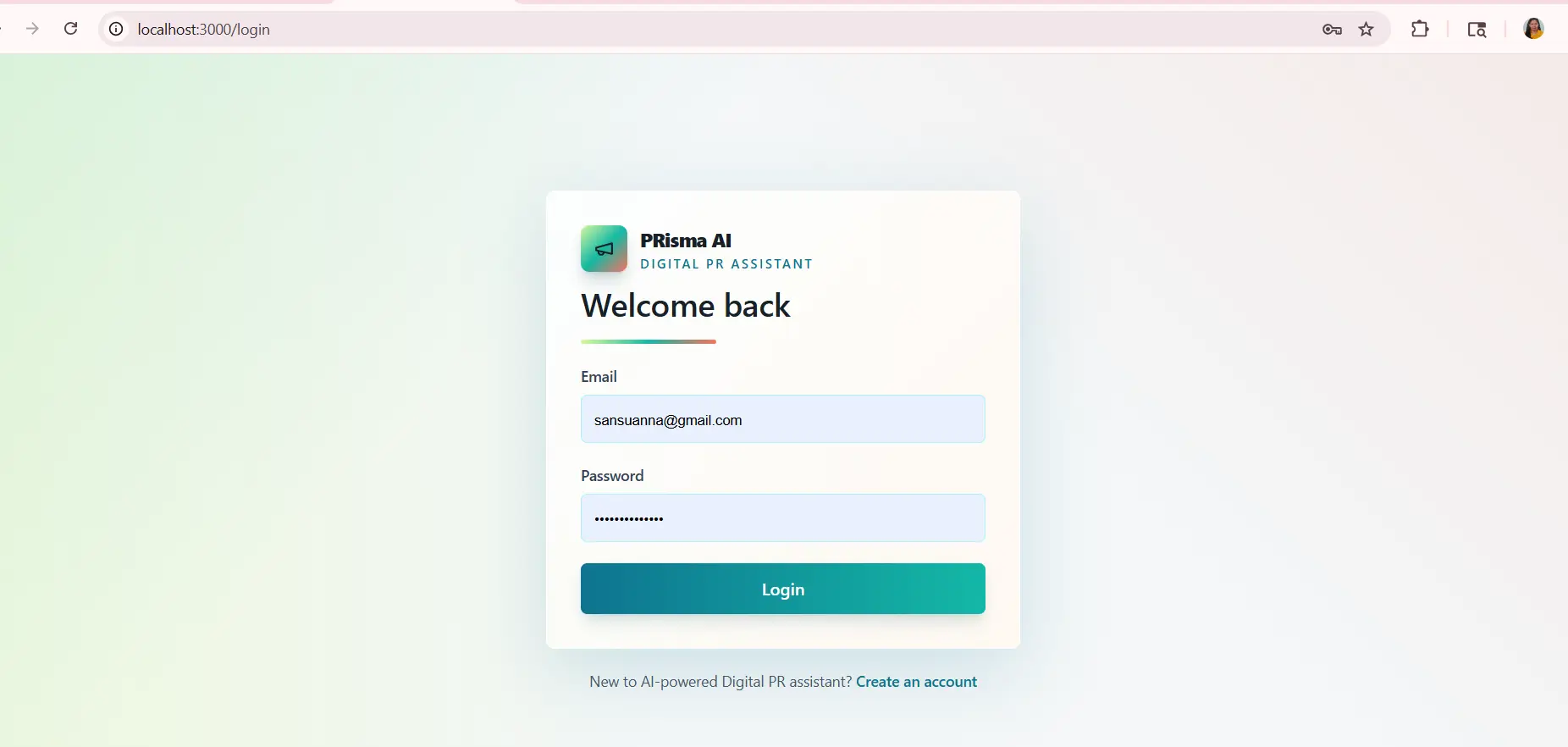
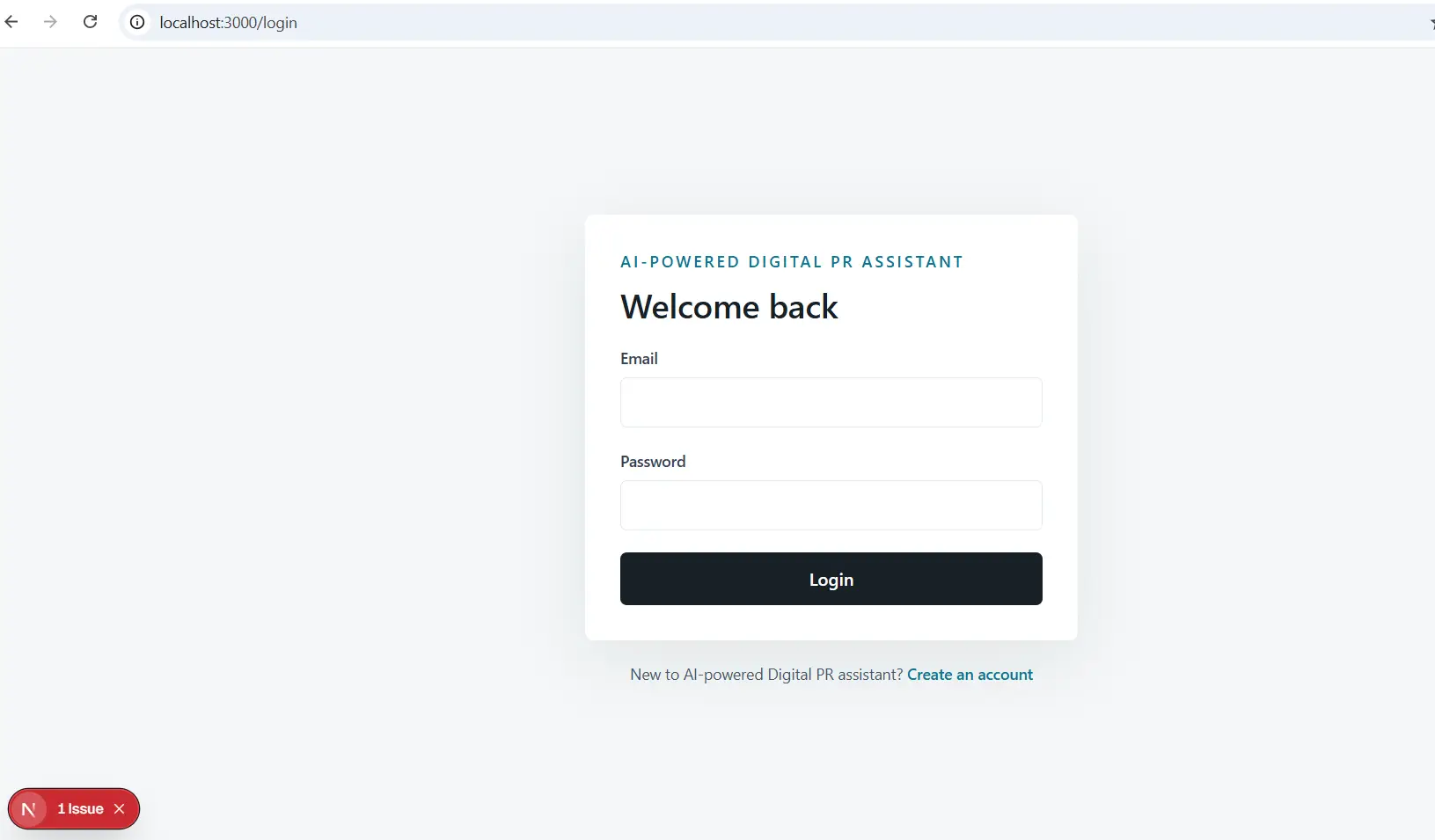
The Naming Cleanup
Another challenge was product naming.
Naming sounds small, but it matters. A product feels more real when the name is consistent.
Documentation for the Digital PR Assistant App
One of the most important parts of this project was documentation. The request was not just to build an app, but to prepare documents.
The documentation pack includes:
- Product requirements
- Feature specification
- Technical architecture
- Setup and installation
- Environment variables
- Database documentation
- API documentation
- User guide
- Admin and operations guide
- Security and privacy notes
- Testing and QA checklist
- Deployment guide
- Commercial handoff checklist
- Customer onboarding guide
- Support and maintenance plan
- Pricing and packaging notes
- Sales demo script
- Legal template outlines
- Release notes
This kind of documentation turns a code project into a more complete product asset.
These are not failures. They are future roadmap items.
The first version does not need to do everything. It needs to make the product real, prove the core workflow, and create a base that can be improved.
This MVP does exactly that.