
Blog Series: Building the Digital PR Assistant MVP
In Part 1, I explained the idea behind AI Digital PR Assistant and how the MVP scope was defined.
This second post is about the actual build.
The goal was to turn the product plan into a working SaaS foundation with authentication, and an outreach tracker.
Creating the Digital PR Assistant Project Structure
The structure was organized around the main product areas:
- app/(auth) for login and sign-up pages
- app/(dashboard) for protected dashboard pages
- app/api for backend route handlers
- components for reusable UI
This gave the app a clean foundation.
The structure also made it easier to think in product modules.
Building Authentication
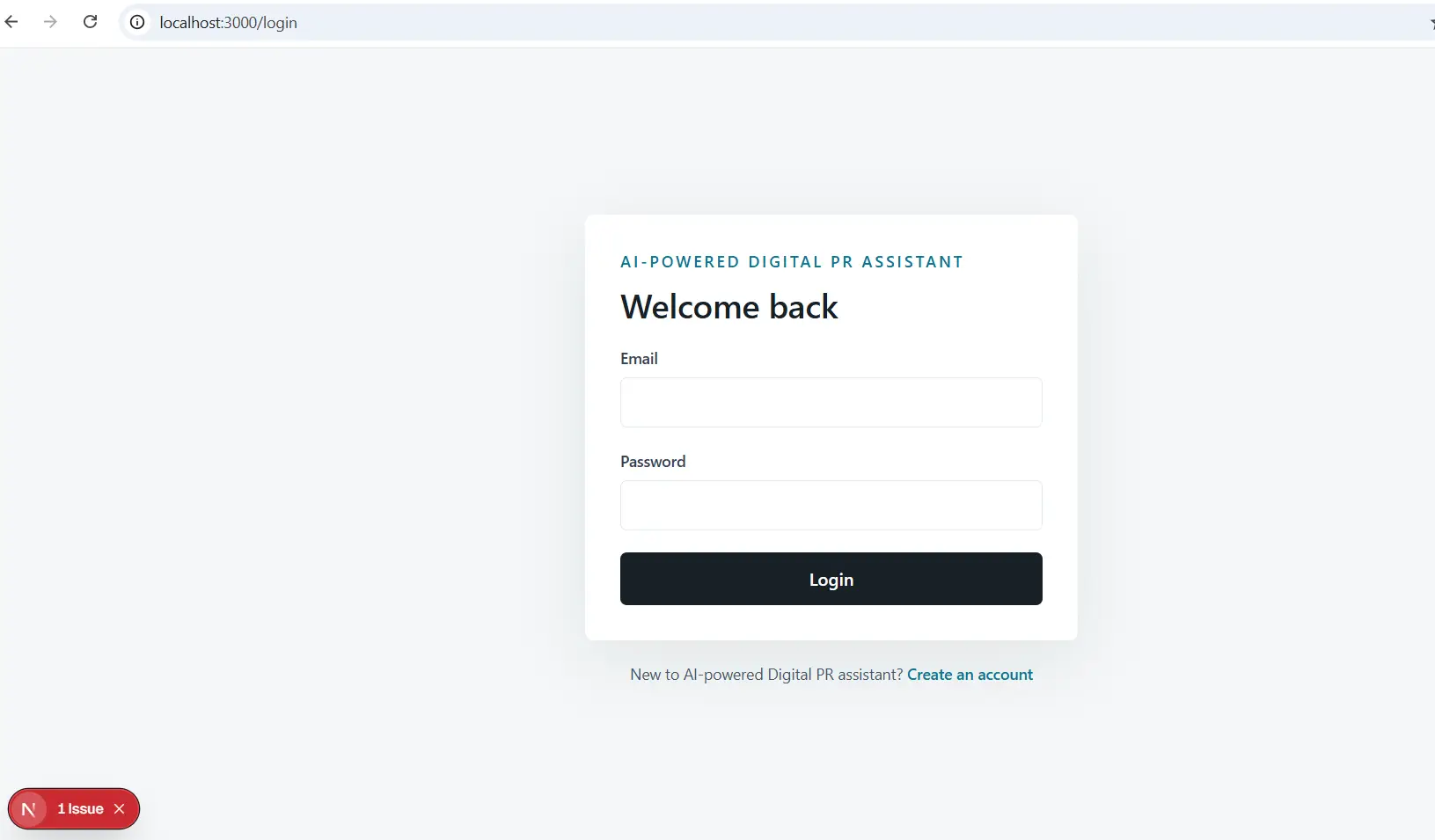
Authentication was one of the first pieces of the app because the rest of the product depends on private user data.
The app includes:
- Sign up
- Login
- Logout
- Protected dashboard routes
- Session refresh middleware
The UI uses an AuthForm component that supports both login and sign-up modes. This keeps the form logic reusable.
The dashboard layout checks whether a user session exists. If no session exists, the user is redirected to the login page.
This pattern is important for SaaS products. Users should only be able to access their own workspace after authentication.
Setting Up Datavase SSR
The browser client is used by client components, such as login forms and interactive dashboard widgets.
The server client is used by server components and API routes. It reads the current session from cookies so backend requests can safely identify the current user.
The middleware helper refreshes user sessions. This keeps authentication smoother across server-rendered pages.
Designing the Database
The Version 1 database has two main tables:
- journalists
- outreach_emails
The journalists table stores:
- Journalist name
- Publication
- Notes
- User ID
- Created timestamp
The outreach_emails table stores:
- User ID
- Optional journalist ID
- Subject
- Status
- Sent timestamp
- Created timestamp
The outreach status can be:
- Sent
- Opened
- Replied
This keeps the data model simple but useful.
Why Row-Level Security Mattered
The schema enables row-level security on both tables.Each table has policies that only allow users to access rows where:
auth.uid() = user_id
That means one user cannot read, update, or delete another user’s journalist contacts or outreach records.
For a SaaS product, row-level security is not optional. It is a core part of protecting customer data.
Building the Dashboard
The dashboard is the central workspace for the app.
It includes:
- Desktop sidebar navigation
- Mobile horizontal navigation
- Overview cards
- Campaign overview cards
- Logout button
This gives the user a quick snapshot of activity.
The dashboard is intentionally clean and focused. For an operational SaaS tool, the UI should feel useful rather than decorative. Users need to move quickly between features, scan information, and complete tasks.
Creating the Journalist Database
The journalist database is one of the core MVP features.
Users can add:
- Name
- Publication
- Notes
The search checks name, publication, email, and notes. The publication filter lets users narrow the list quickly.
The backend route for journalists supports:
- GET /api/journalists
- POST /api/journalists
When a journalist is created, the backend attaches the authenticated user’s ID. This is important because the client should not be trusted to decide who owns the data.
The result is a simple but practical contact database.
Creating the Outreach Tracker
The outreach tracker helps users see what has been sent and what needs attention.
The three statuses are:
- Sent
- Opened
- Replied
The tracker also shows summary cards for each status.
The backend supports:
- GET /api/outreach
- POST /api/outreach
- PATCH /api/outreach/:id
The PATCH route updates the outreach status, but only for records owned by the current user. This feature is intentionally simple. It does not send emails or track opens automatically yet. In Version 1, it provides manual tracking.
Making the UI Responsive
Responsive design was part of the MVP requirements from the beginning.
The app uses:
- A fixed desktop sidebar
- Mobile-friendly dashboard navigation
- Flexible grids
- Responsive forms
- Readable list layouts
This matters because many founders, freelancers, and marketers may use the product from laptops, tablets, or phones.
The goal was not to create a flashy landing page. The goal was to create a usable SaaS workspace.
That is enough to demonstrate the product and continue developing toward a commercial SaaS.